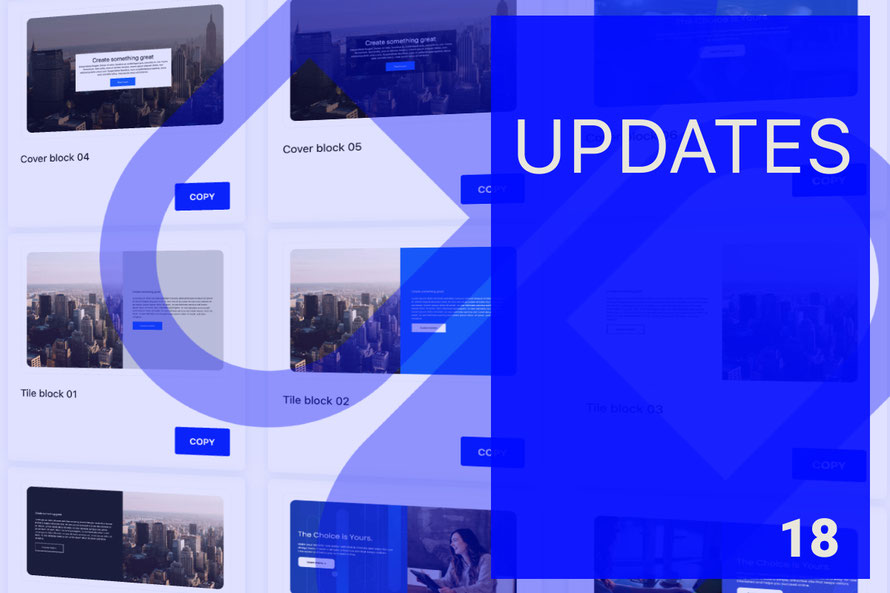
The latest updates of Matrix themes, including new features, bug fixes, and much more.
In my previous post on February 4, 2025, about Matrix theme updates, I introduced 30 newly updated custom widgets. This time, I’m excited to announce that now all custom widgets have been fully updated! Below, you’ll find a detailed breakdown of the improvements and new features.
Updated matrix.js with Admin Menu Enhancements
First, make sure to update matrix-min.js.
Once you upload the latest release to your website, you’ll notice some small but important changes in the admin menu:
- The "Shortcodes" section has been renamed to "Components", reflecting a more accurate definition. All widgets now contain one or more customizable components.
- The "Block Elements" section is now "Page Blocks", emphasizing that these are full-width, pre-built sections that have been completely revamped.
These updates enhance clarity and usability, making it easier to customize and manage your Matrix theme.
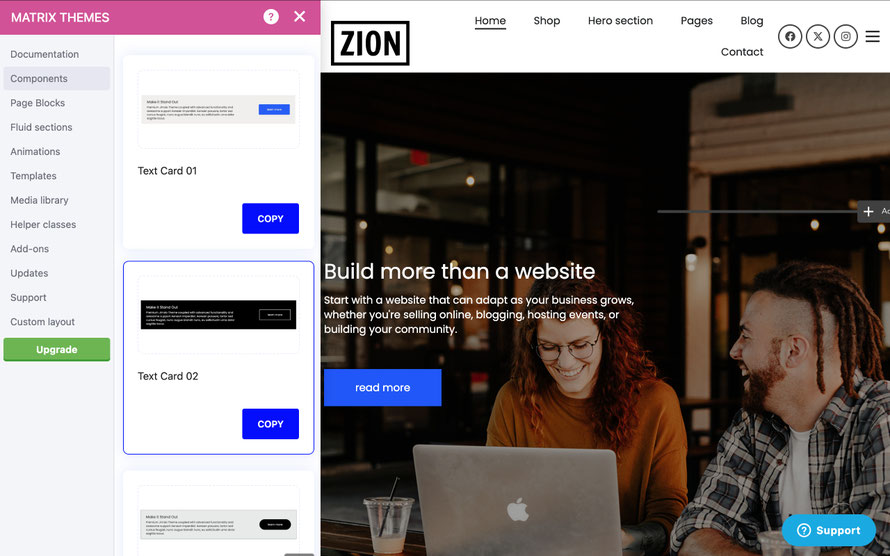
Components: Fully Refactored Custom Widgets
All custom widgets have been completely refactored, and many now include built-in animations by default - no extra code or snippets needed!
If a widget isn’t displaying correctly on your website, ensure you have updated the following stylesheets to the latest versions:
- custom-widgets.css
- helper-classes.css
- updates.css
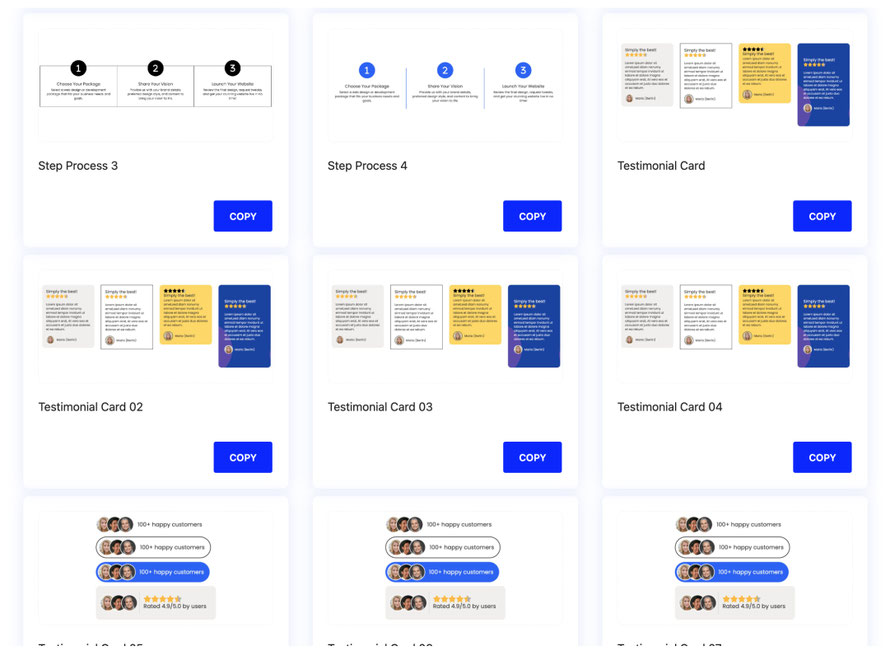
New Page Blocks: Completely Redesigned Sections
This section has been fully redesigned with many new full-width sections, offering a more modern and flexible layout. These updates improve both visual consistency and customization options, making it easier to create dynamic and engaging pages.
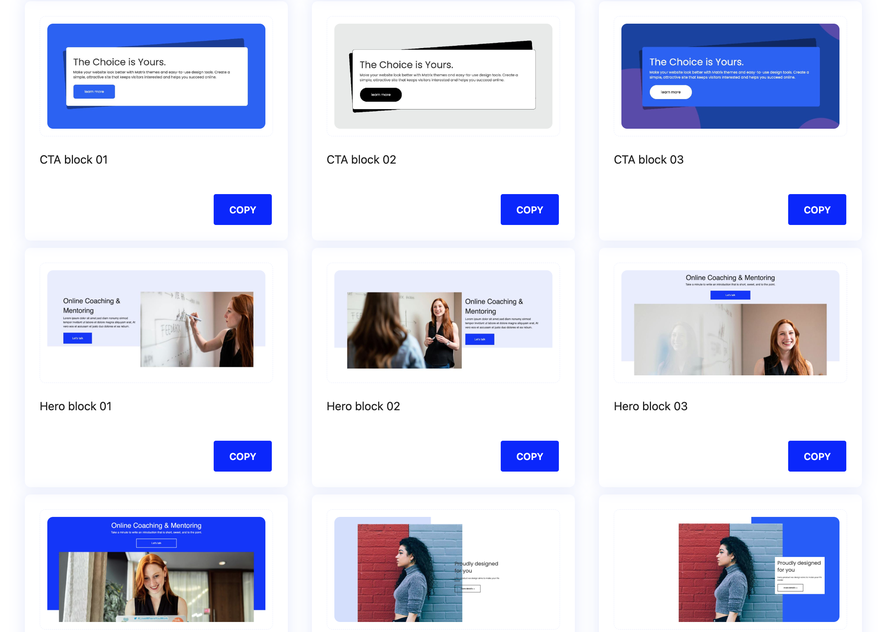
Small Improvements & Bug Fixes in the Main CSS File
The main CSS file for the custom layout has undergone some minor but important updates:
- Fixed a typography bug to ensure better text rendering.
- Improved the positioning of custom navigation icons for better alignment and consistency.
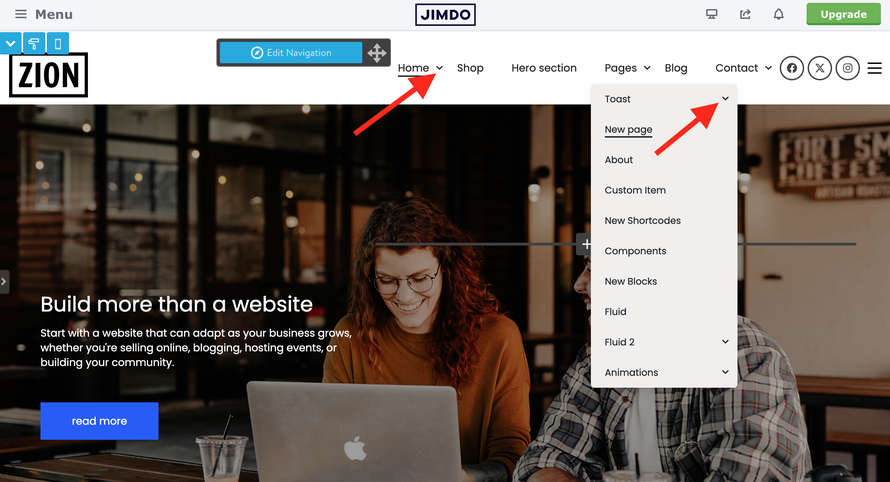
Good to Know
To add any component or page block to your website, simply follow these steps:
- Select the widget by clicking the Copy button.
- Paste the code into the "Widget/HTML" module of your website.
Notes: Components can be used as standalone modules or placed inside columns. Page Blocks, on the other hand, can only be used as standalone modules within the "Widget/HTML" section, not inside columns.
Card Concept
All components have a card concept for improved layout flexibility. This means the widget adopts different styles based on its placement:
-
Standalone Widget (1): When added as a standalone widget, it displays in its unique card style.
-
Inside Columns (2): When incorporated into columns, it automatically adjusts to a different style suited for column placement.
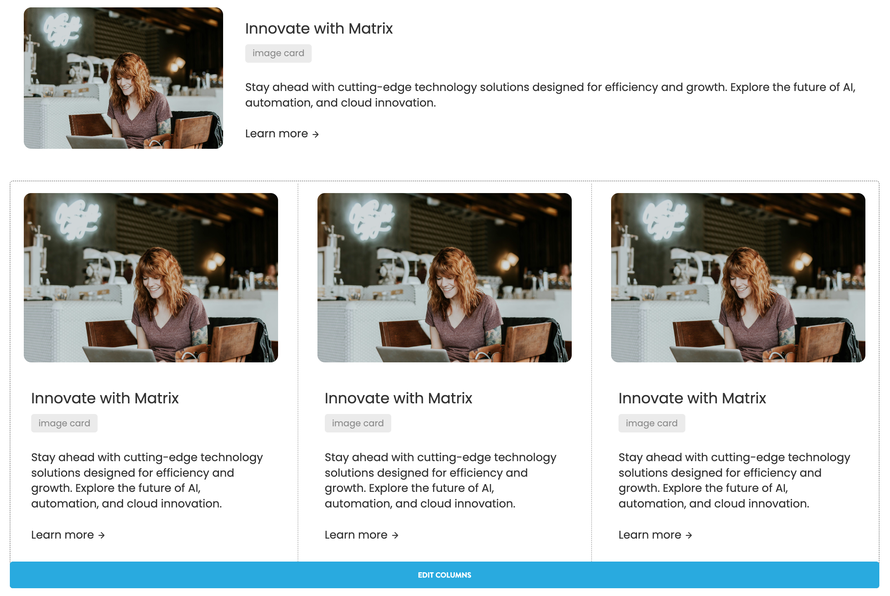
The latest updates of Matrix Themes introduce new helper classes that allow for further customization of your components and widgets. For instance, if you need to display a component inside a column while maintaining its original styles, you can use the
is-flex-row class.

Notes: In mobile view, elements with the 'is-flex-row' class are automatically stacked vertically to ensure a responsive layout. However, in rare cases - such as when using very small icons or images - you can override this behavior by applying the 'is-flex-row-mobile' class, allowing elements to remain in a horizontal row on smaller screens.
The fine print
As I wrap up this post on Matrix Themes updates, I’d like to briefly address a common question among Jimdo users: Is it still worth using Jimdo Creator in 2025?
The short answer is: "It depends."
While Jimdo has not released major updates for Jimdo Creator in years - apart from routine system maintenance - the platform has become increasingly less attractive for new users. This is not just due to the lack of innovation but also because the default template designs have remained unchanged for nearly a decade.
For existing users, Jimdo Creator may still serve its purpose, especially with customization options like Matrix Themes. The latest updates make it possible to build a professional, modern, and visually appealing website - whether you're an individual, freelancer, or small business. With all the necessary tools at your disposal, creating a great-looking site is entirely achievable.
I particularly appreciate the approach of some web design studios and Matrix Themes partners that provide tailored solutions for their clients, ensuring they get the most out of the platform.
However, for those in need of more complex and, above all, scalable solutions, exploring alternatives might be a wise choice.
That said, a word of caution for those who have already considered switching: WordPress with Elementor won't magically solve all your problems...
Write a comment