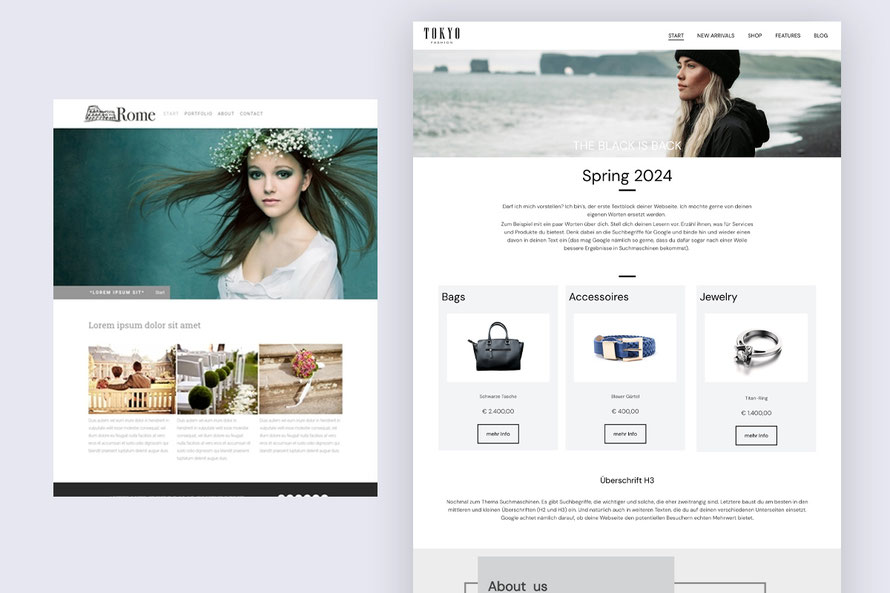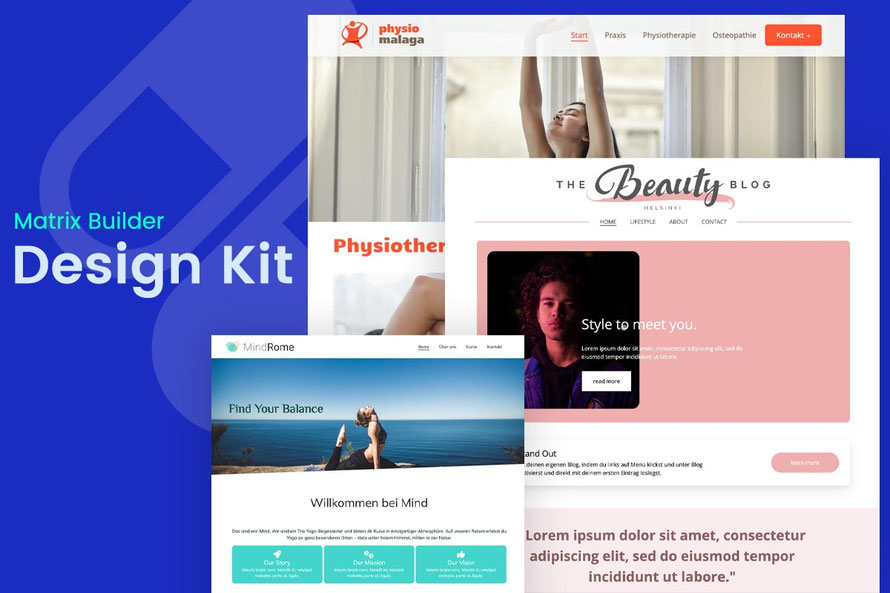
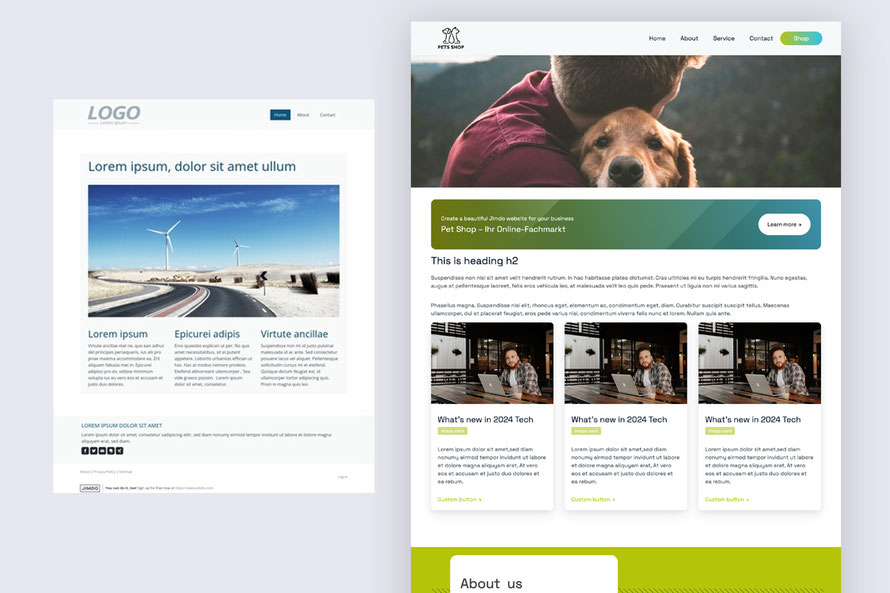
Create a stunning and professional website with default Jimdo templates with ready-made design elements and page sections from Matrix Builder.
About Design Kit
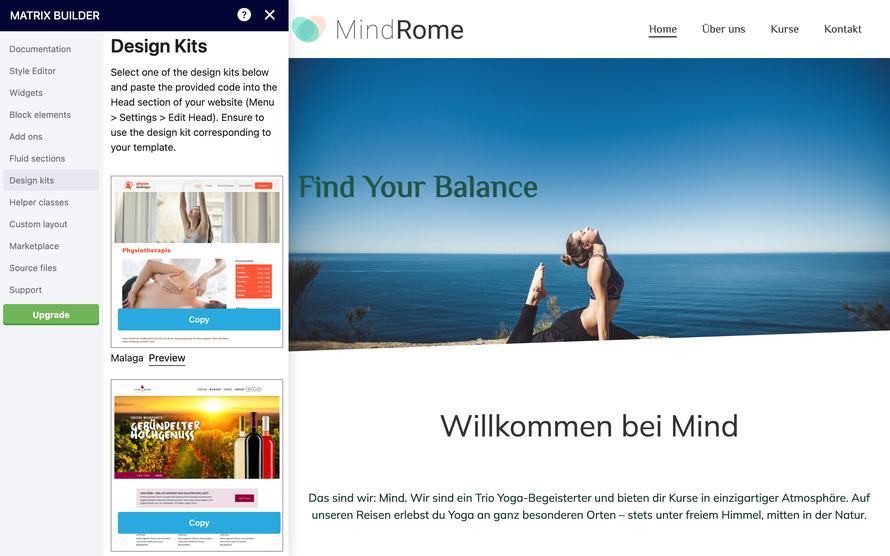
Once you've installed the Matrix Page Builder on your Jimdo website, navigate to the additional admin menu where you'll discover the "Design Kit" section.
By copying the code of your preferred design and pasting it into the head of your website, you'll effortlessly customize the default Jimdo template to achieve a professional look.
Design Kit
01. Cairo template
The customized version features enlarged template content section, animated navigation, and an inverted position of the logo and title
02. Malaga template
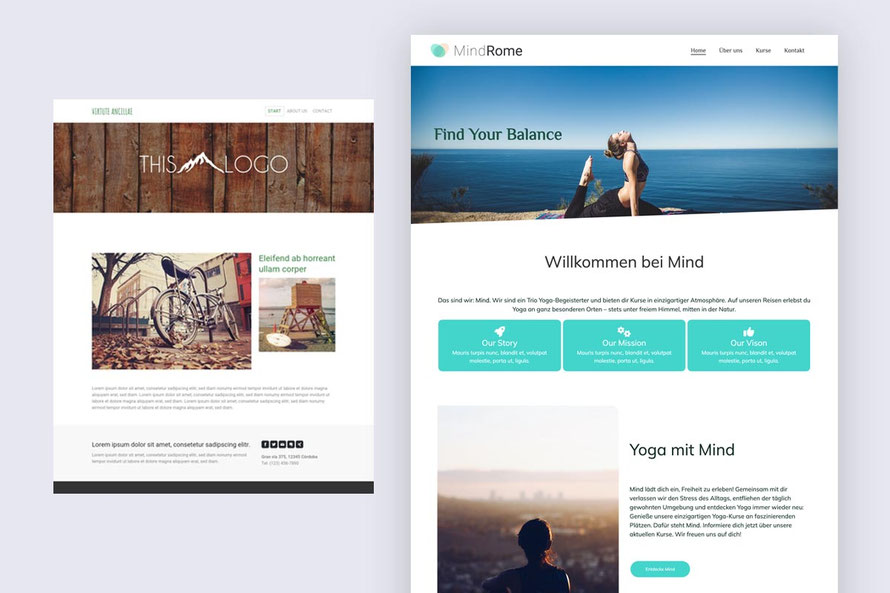
The custom design offers expanded content section, an animated menu, and the option to integrate social icons or buttons into the header.

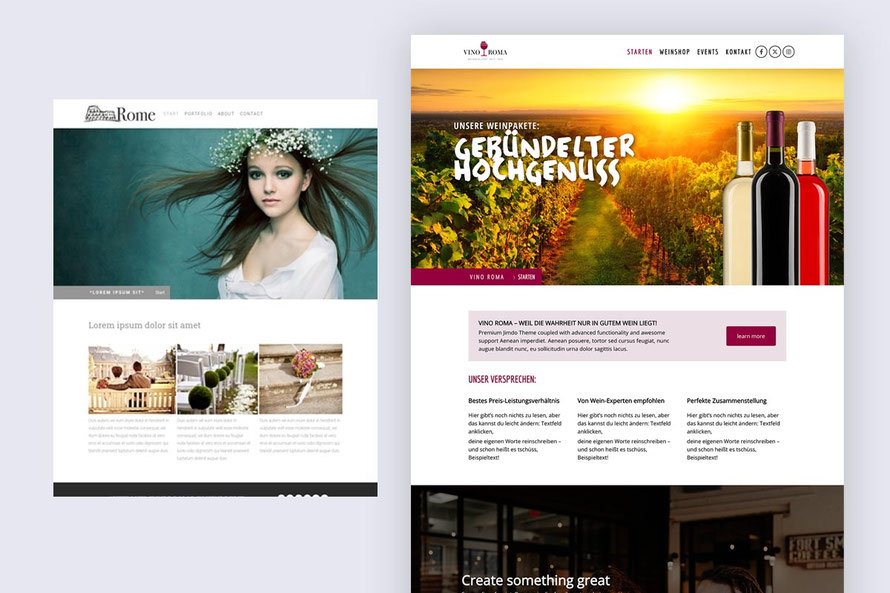
03. Rome template
A highly favored Jimdo template, boasting identical features to the Malaga design kit: expanded content sections, an animated menu, and the ability to seamlessly integrate social icons or buttons into the header.
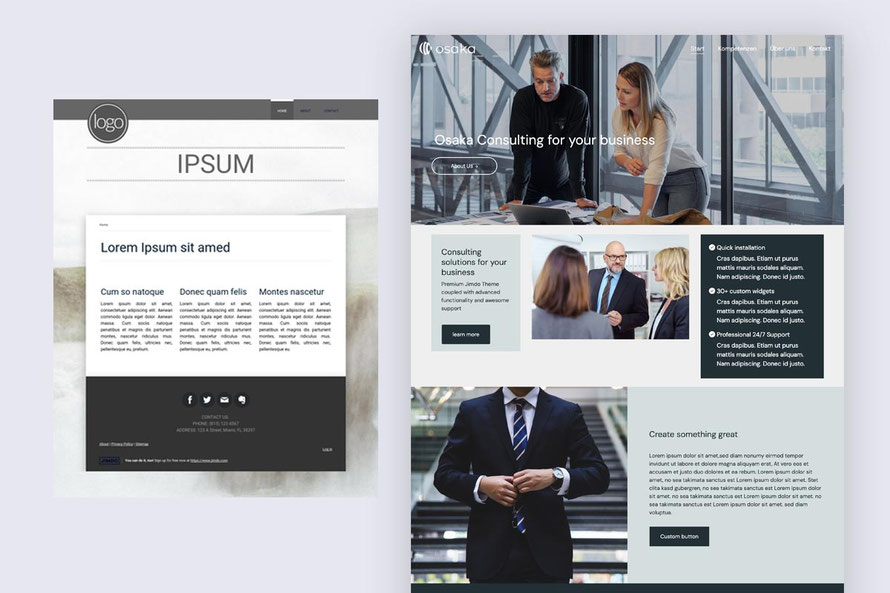
04. Osaka template
This template includes expanded header and content section with customized title feature
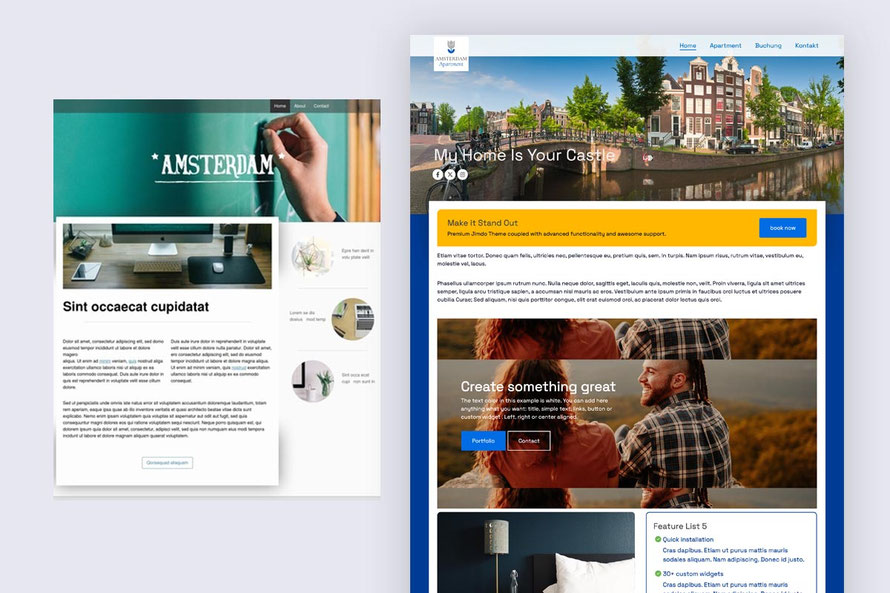
05. Amsterdam template
The customized version of Amsterdam template comes with expanded content and sidebar sections. Additional feature to add a custom widget below the title.
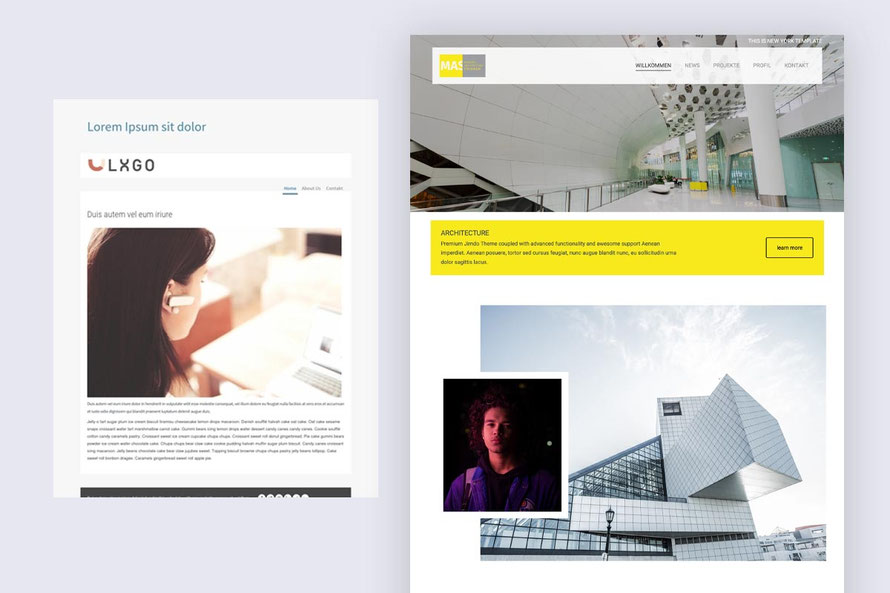
06. New York template
A simple restyling of Jimdo template New York with standard navigation and customized title
07. Barcelona template

Other templates
Other default Jimdo templates compatible with the Matrix Design Kit include:
- Tokyo
- Prague
- Miami
- Berlin


Premium templates
The premium templates that can be found in section 'Add-ons' of Matrix Page Builder admin menu
One Pager
Templates with megamenu