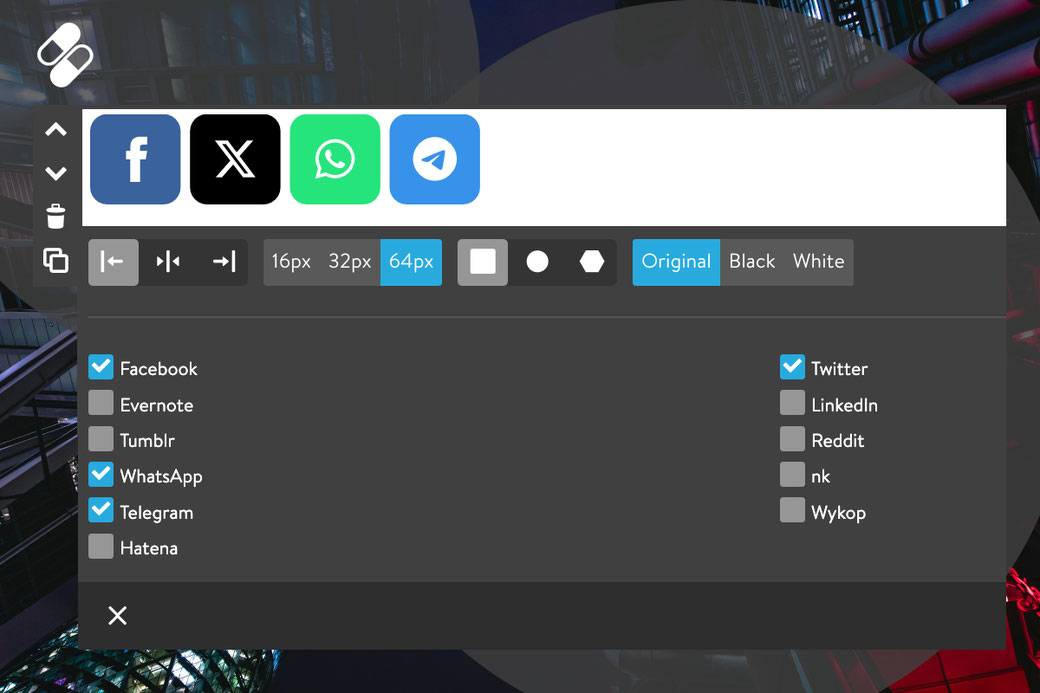
Update your Jimdo website with new share buttons, allowing visitors to easily share your content on any device.
The latest updates include a color fix for the Twitter (X) icon and the addition of two new share buttons for WhatsApp and Telegram.
How to update
To add the new share buttons to your website, follow these steps:
- Check Your Theme: Ensure you’re using one of the latest Matrix themes with advanced style editor.
- Update CSS: Add the latest 'updates.css' file to keep styles current.
- Update JavaScript: Upload the latest 'matrix-min.js' file (be sure to only use one JavaScript file to avoid conflicts).
- You're All Set!
Customize the colors
The default Jimdo share buttons are available in their original colors, as well as in black and white variations. However, you can further customize them by applying your primary or secondary brand colors in the style editor.
To integrate the share buttons, simply place them within the columns. Inside each column, add a widget/HTML element with the following variable tags:
<var>has-primary-social</var>
<var>has-secondary-social</var>
Original colors
Primary color
Secondary color
Write a comment