Skip to content
  • Home
  • Features
    • Matrix Framework
    • Matrix One
    • Plugin Toolkit
    • Matrix Library
  • Templates
  • Support
  • Pricing
  • Home
  • Features
    • Matrix Framework
    • Matrix One
    • Plugin Toolkit
    • Matrix Library
  • Templates
  • Support
  • Pricing
    27. October 2022

    Matrix themes - Updates #04

    The latest updates of Matrix Themes including the new features, bug fixes and much more.

    You will also find some further customizations  of custom widgets with the live examples.

    01. Google Fonts  & GDPR-compliant

    I'm still receiving many emails form Jimdo customers asking about the Google fonts self-hosting.

    As explained in previous blog post and documentation page, all you have to do is to change the hosting name  'googleapis' for 'jimstatic' in the link in Edit Head section.

    Google fonts from official website

    
    <link href='https://fonts.googleapis.com/css?family=Roboto:300italic,400,500,700' rel='stylesheet' type='text/css'>

    Google fonts hosted on Jimdo server

    
    <link href='https://fonts.jimstatic.com/css?family=Roboto:300italic,400,500,700' rel='stylesheet' type='text/css'>

    The issue with Roboto font

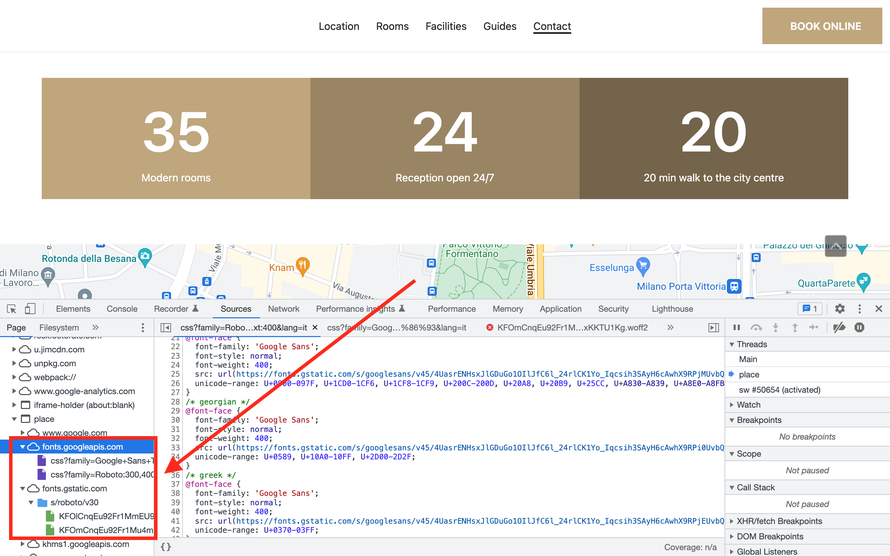
    Using different online font checker tools, you still might see Roboto font in the source file. This is due to the Jimdo modules 'GoogleMaps' and 'Video' hosted on Youtube.
    bg-lightgray add-5

    02. Font Awesome Framework

    Currently, all Matrix Themes have been updated with the latest version of Font Awesome framework ( v6.2.0).

    How to update

    1. In admin Matrix Themes select the section 'Updates' and download the webfonts of FA. Then Upload all fonts to your own website ( Menu> Design> Custom Template> Files )


    2. Download the CSS file '08.libraries.css' including the latest CSS of the Font Awesome library and upload it to your website.


    3. Remove the CDN link previously used in Matrix Themes on the top of HTML

    ( Menu> Design> Custom Template> HTML ) and click the save button at the end.

    add-5 bg-lightgray

    That's all. From now on, you'll be using the latest version of Font Awesome icons hosted on your own website.

    Please note that some previously used icons ( especially the social media icons) won't be displayed correctly:

    To fix it, in the widget code you change the class 'fa' for 'fa-brands':

    03. CSS updates

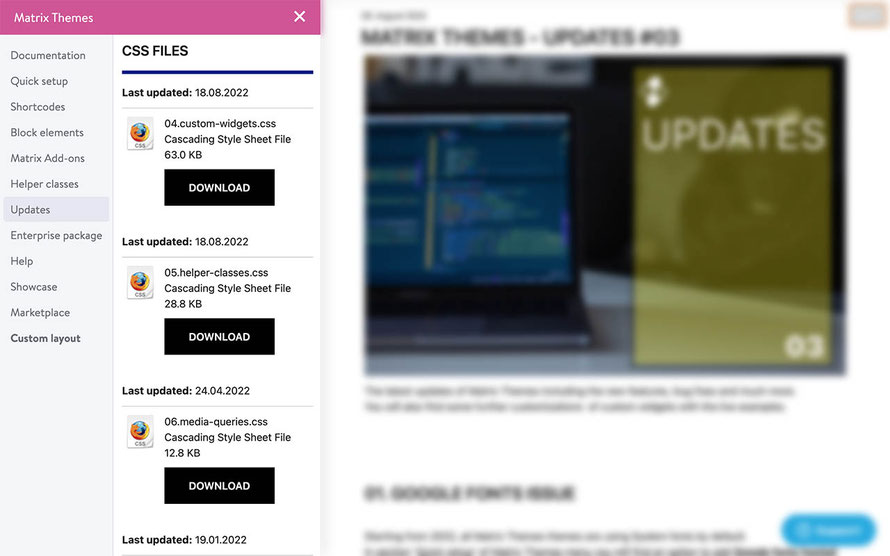
    In the section 'Updates' you'll find the updated CSS files. Download them and upload to your own website. Every new uploaded file will replace the previous one.

    The updated CSS files include:

    • updated admin menu
    • new helper classes for the fluid sections
    • font awesome free icons v.6


    has-check-list

    bg-lightgray add-5

    04. JS Updates

    In the section 'Updates' you will find also the latest release of Js file 'Matrix-1.9.5.js'.

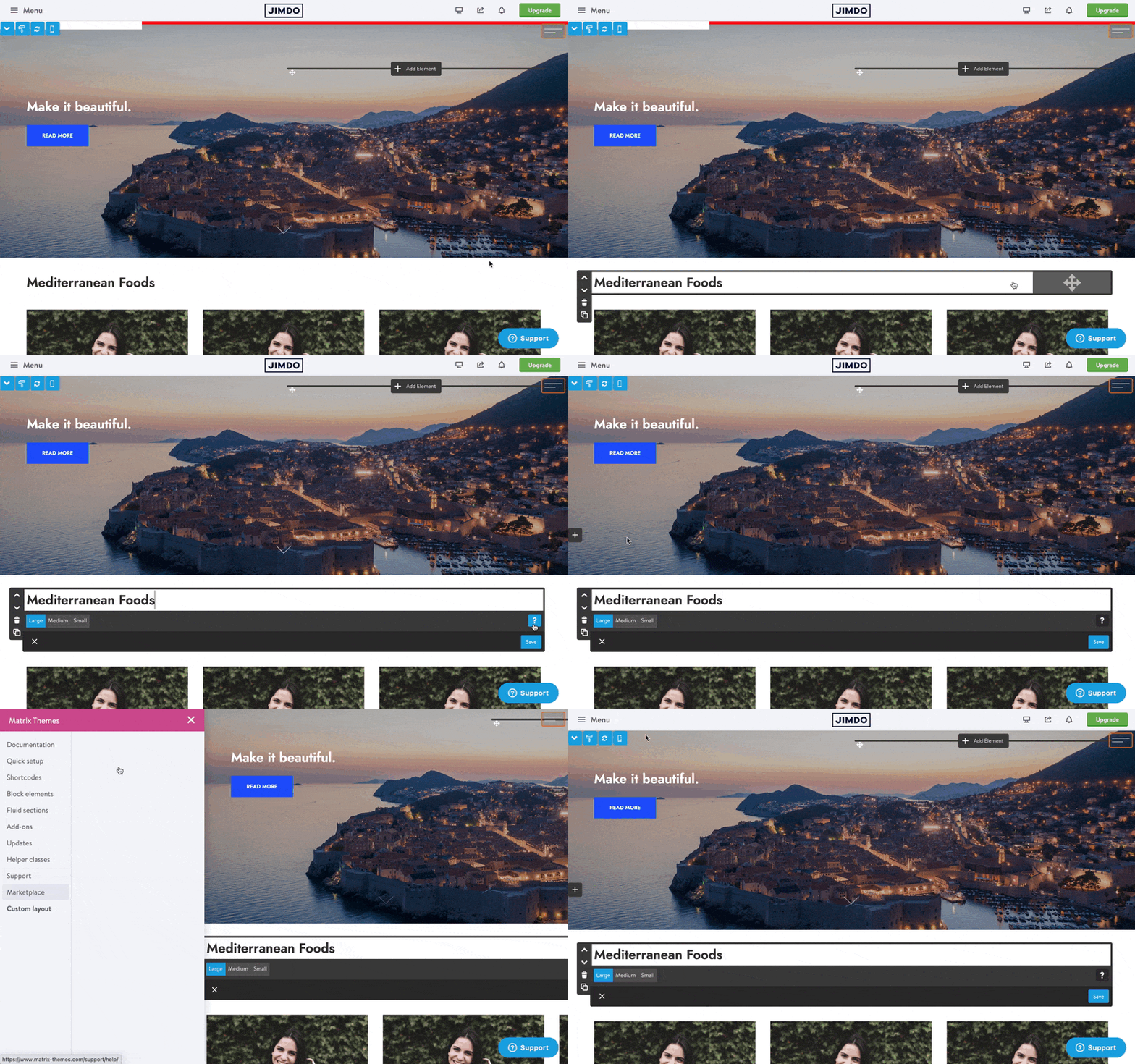
    It  includes the jQuery UI library for the fluid sections ( imported only the resizable and draggable options), jarallax ( a new parallax that works on every device) and another feature called 'White label' that allows you to hide the admin menu button and make it appear only for specific click. It's been requested by Jimdo Experts who prefer to limit the access for their customers.
     

    bg-lightgray add-5 is-100

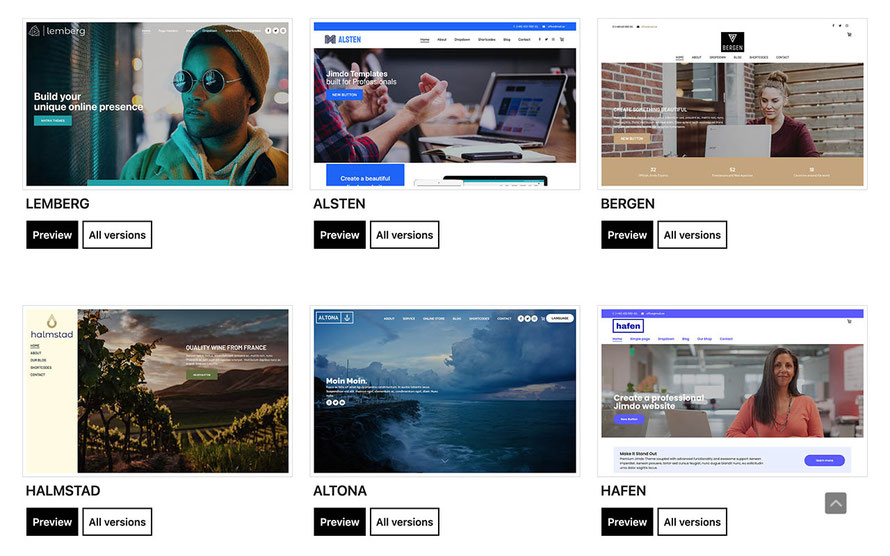
    05. Template update

    The latest updated template is Agen,- multi purpose version with boxed layout.
    bg-lightgray add-5
    tagPlaceholderTags: m-updates

    Write a comment

    Comments: 0
    Get started
    Gobal colors
      bg-primary
      bg-primary-light
      bg-primary-dark
      bg-secondary
      bg-secondary-dark
    Template colors
      body
      top-header
      top-header-inner
      header
      header-inner
      navigation-inner
      navigation color
      dropdown background color
      content
    Footer Styles
      background
      text color
      link color
      horizontal line
    Buttons
      style 1
      style 2
      style 3
      text color
    Mobile navigation
      background color
      navigation color
    Other elements
      social icons
      top header border
      header border
      nav inner border
      footer border
     
    Template configurations
     
    has-sticky-logo has-large-header primary-font has-center-nav has-header-blur no-shopping-cart
     
    Top header inner


    Header inner


    Navigation inner


    Navigation styles
     
    size-15 weight-400 color-nav
     
    Sub-menu (breadcrumbs) styles
     
    size-15
     
    Mobile Navigation styles
     
    size-30
     
    Content styles
     
    form-white
     
    Footer styles
     
    o-form has-thin-border has-border-style-solid has-border-top has-footer-border-color
     
    Footer background image


    Typography

    Heading H1
    weight-400
     
    Heading H2
    weight-400
     
    Heading H3
    weight-400
     
    Body text (p, table, td)
     
     
    Buttons
    weight-400
     
     
    Advanced settings
     
    Custom CSS

    #cc-inner .my-class {

    color:#f0f0f0;

    }

    /* MATRIX-CUSTOM-MODULES-START */

    #cc-m-7792741551 h1, #cc-m-7792741551 h2, #cc-m-7792741551 h3 {font-size:20px !important;}

    #cc-m-7792741851 h1, #cc-m-7792741851 h2, #cc-m-7792741851 h3 {font-size:20px !important;}

    #cc-m-7792930551 h1, #cc-m-7792930551 h2, #cc-m-7792930551 h3 {font-size:20px !important;}

    #cc-m-12388126494 h1, #cc-m-12388126494 h2, #cc-m-12388126494 h3 {font-weight:600 !important;}

    #cc-m-12388126494 h1, #cc-m-12388126494 h2, #cc-m-12388126494 h3 {font-size:40px !important;}

    /* MATRIX-CUSTOM-MODULES-END */

    /* MATRIX-GLOBAL-SETTINGS-START */

    :root {

    --content-width: 1170px;

    --special-pages-content-width: 900px;

    }

    /* HAMBURGER-BAR-START */

    :root { --hamburger-btn-background: transparent; --hamburger-btn-bg: transparent; --hamburger-btn-bg-active: transparent; }

    /* HAMBURGER-BAR-END */

    #cc-inner #hs-container .j-formnew input[type='submit'],

    #cc-inner #hs-container input.submitUser,

    #cc-inner .hs-button,

    #cc-inner .j-calltoaction-link,

    #cc-inner input.cc-checkout-btn,

    #cc-inner a.cc-shop-addtocard {

    padding: 14px 35px !important;

    border-radius: 8px;

    }

    /* MOBILE-FULLWIDTH-BUTTONS-START */

    @media only screen and (width <= 746px) {

    #cc-inner #hs-container .j-formnew input[type='submit'],

    #cc-inner #hs-container input.submitUser,

    #cc-inner .hs-button,

    #cc-inner .j-calltoaction-link {

    width: 100% !important;

    margin: 5px auto 0 auto;

    box-sizing: border-box;

    text-align: center !important;

    }

    }

    /* MOBILE-FULLWIDTH-BUTTONS-END */

    /* MATRIX-GLOBAL-SETTINGS-END */


    Note:
    All changes made here will be applied to your entire website.
    Matrix Framework
    draggable-logo

    Matrix Framework

    Build faster, smarter, and more flexible Jimdo websites.

    has-right-col-border

    Products

    Matrix Framework

    Matrix One

    Matrix Plugin Toolkit

    Resources

    Support

    Changelog

    Showcase

    Marketplace

    Community

    Blog

    Archive


    About | Privacy Policy | Cookie Policy | Sitemap | Withdraw contract
    Created with Jimdo
    Log in Log out | Edit
    • Scroll to top
    Close